



Original price was: $22.00.$15.40Current price is: $15.40.
- Service with a smile, always online.
- Effortless solutions, excellent customer care.
- Your satisfaction is 100% guaranteed.
- No-Questions-Asked Returns

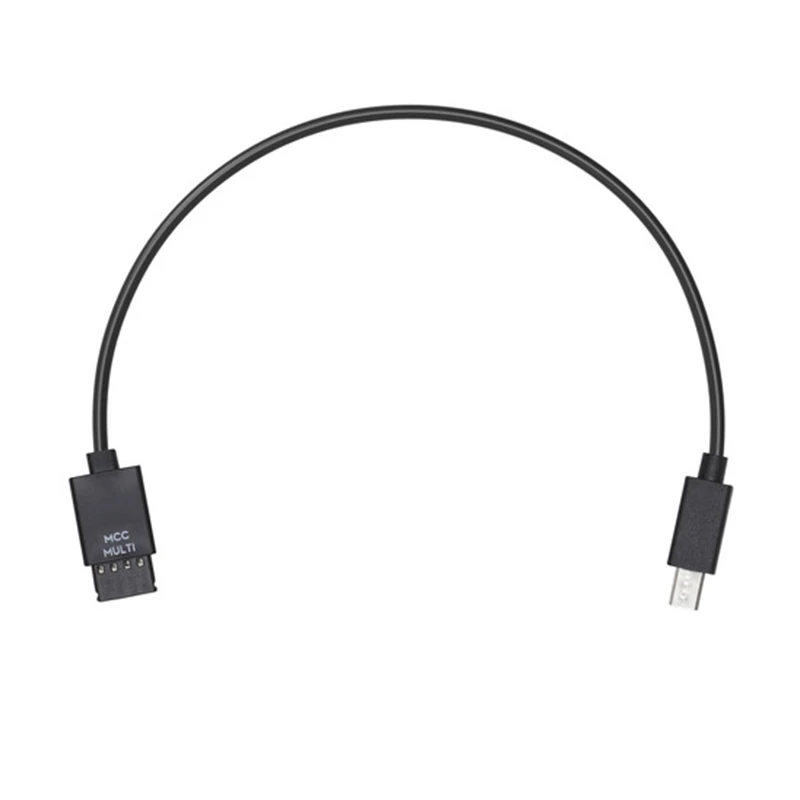
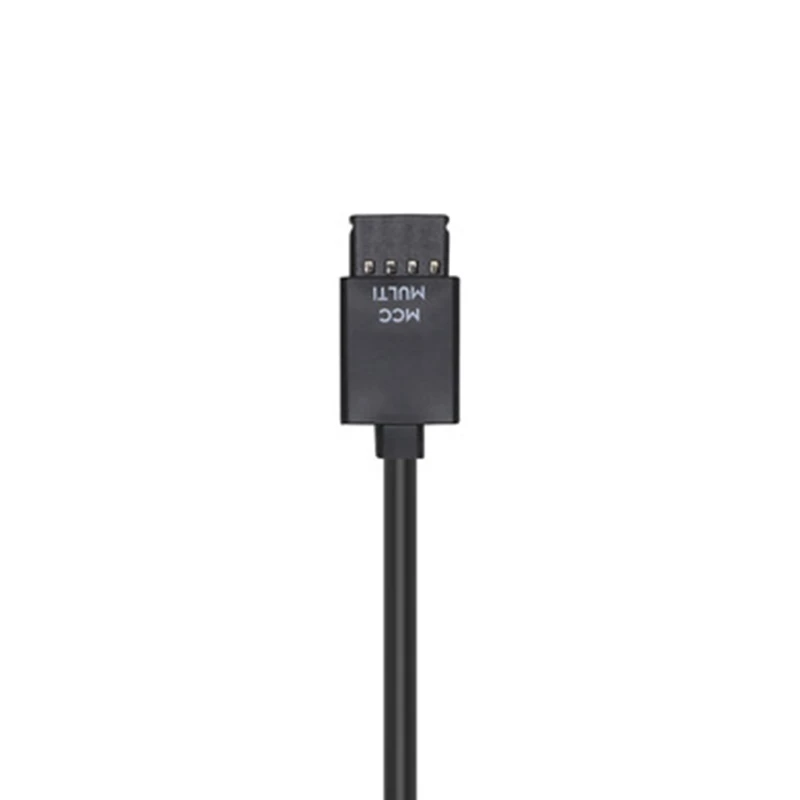
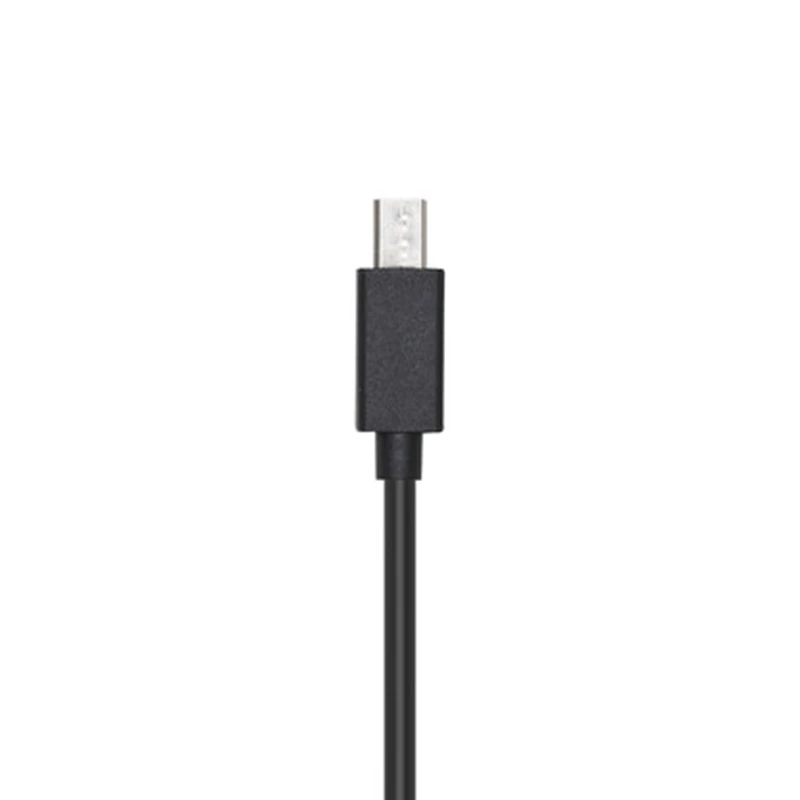
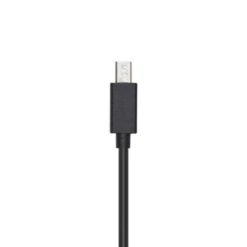
Ronin-S Multi-Camera Control Cable (Mini USB)
Overview:
Use the Multi-Camera Control Cable (Multi-USB) to connect your Sony camera to the Ronin-S Camera Control Port. Shutter, recording, and auto focus can be controlled through the Ronin-S Camera Control Button.
The optical zoom can be controlled through the Ronin-S Focus Wheel (only lenses with built-in power zoom, such as the Sony E PZ 18-105 mm F4 G OSS).
If a non-Power Zoom lens is mounted, the Focus Wheel will control digital zoom. Digital zoom must be enabled in your camera’s settings.
Please refer to the Ronin-S Camera Compatibility List for more information on the supported camera models, control features, and camera settings.
Compatibility: Ronin-S
Be the first to review “DJI RoninS MultiCamera Control Cable (Multi): Part13”
Related products



Drone Parts


Reviews
There are no reviews yet.